













The Ultimate List of the Best Digital Marketing Tools For 2025
Table of Contents
Introduction
In today’s fast-paced digital economy, selecting the best digital marketing tools isn’t just smart, but essential. With global digital ad expenditures projected to reach an astounding $1.17 trillion by 2025, the need for effective marketing tools is not just a choice but a necessity for businesses of all sizes.
Whether you’re looking to improve your SEO, create high-quality content, build landing pages that convert, manage social media, or master email automation, having the right tools can significantly impact your success. In this guide, we’ll explore the best digital marketing tools we trust across ten key areas, including SEO, hosting, Content writing, social media management, email marketing, and more. Our goal is to help you excel in digital marketing in 2025 and beyond with practical, user-friendly tools. Let’s dive in!
Why the Right Tools Matter for Your Marketing Success
In the ever-evolving digital marketing landscape, having the right marketing tools can make all the difference between success and failure. With numerous platforms, software, and applications available, it’s crucial to select those that align with your goals and enhance your efforts. For example, automation tools for email marketing, social media scheduling, and analytics can handle repetitive tasks, thus freeing up resources for creative efforts.
Furthermore, investing in suitable tools can lead to long-term cost savings by enhancing your efficiency and increasing ROI, among other benefits. In summary, having the right digital marketing tools is crucial for developing effective strategies that drive results and help you achieve your marketing objectives.
What are digital marketing tools?
Digital marketing tools are essential software and online platforms that help marketers plan, execute, analyze, and optimize their campaigns. They encompass various functions, including content creation, social media management, email marketing, SEO, Ads and PPC advertising, Customer Relationship Management (CRM), and analytics. These tools can significantly enhance the effectiveness and efficiency of digital marketing efforts, enabling businesses to reach their target audience more effectively.
Best Digital Marketing Tools by Category
1. SEO Tools
The First among the Best Digital Marketing tools are SEO tools. SEO tools are software and platforms that help you get found on search engines (and stay found). These tools eliminate the guesswork involved in achieving better rankings by providing insights into popular search queries, analyzing your page performance, and identifying areas for improvement that can help you rank higher and improve conversion rates. Some of the SEO Tools we use and trust include:
Rank Math
Rank Math is a comprehensive SEO suite for WordPress that integrates on-page, technical, and reporting features directly into your blog editor, allowing you to manage titles, meta descriptions, schema, sitemaps, and redirects all within a streamlined workflow. With a setup wizard and a modular design, it remains lightweight and easy to use.
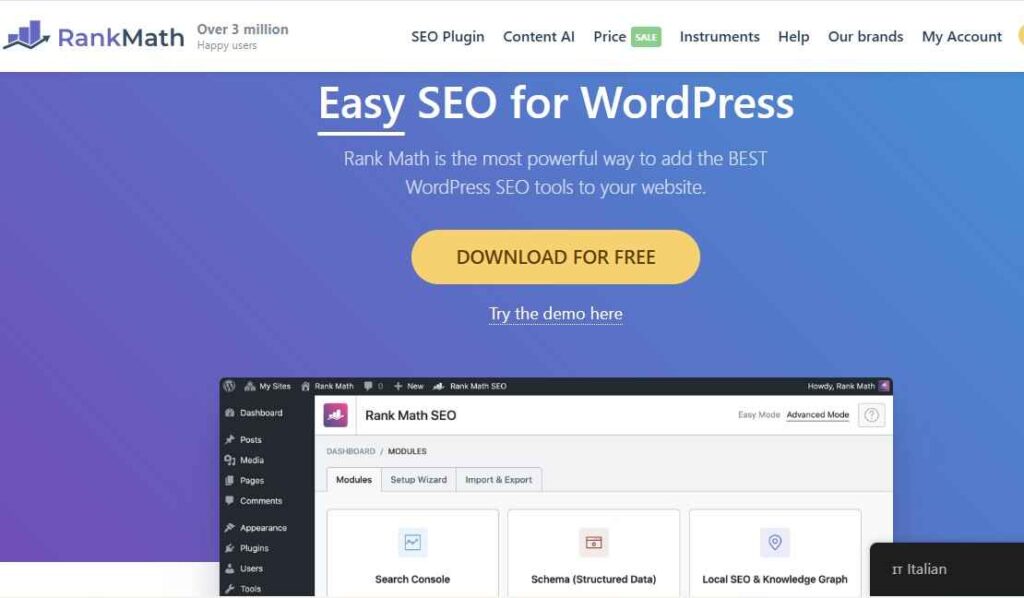
RankMath Key Features
- On-page optimization & schema: with Rank Math, you can enjoy real-time content analysis, the ability to target multiple focus keywords, and built-in structured data options (FAQ, How-To, Article) to enhance rich search results.
- Technical hygiene: Rank Math also features XML sitemaps, breadcrumbs, a 404 monitor, and a redirection manager to catch errors and maintain link equity.
- Analytics inside WP: Integrations pull Google Search Console and Google Analytics data into your dashboard. Furthermore, Pro users can access rank tracking and post-level insights.
- AI assistance (Content AI): 40+ AI tools, RankBot, and editor integrations (Block Editor, Elementor, Divi) to speed briefs, outlines, and optimization.
Best For: Rank Math is ideal for WordPress site owners seeking an all-in-one, easy-to-use yet powerful SEO suite with built-in Google Search Console/Analytics integrations, robust WooCommerce optimization, and a generous free tier that scales for teams.
Pricing: Free version available via WordPress.org
PRO (unlimited personal sites): $8.99/mo renewal ($107.88/yr).
Business (client & personal sites): $27.99/mo renewal ($335.88/yr).
Agency (higher client limits): $64.99/mo renewal ($779.88/yr).
Google Search Console
The second SEO tool is Google Search Console, which is your direct line to how Google discovers, indexes, and serves your pages. It brings query-level performance, indexing diagnostics, and real-user experience signals into one place, enabling you to identify opportunities, resolve what’s blocking visibility, and demonstrate what’s working. The Best part is it’s totally free.
Google Search Console Key Features
- Performance (Search results): Track clicks, impressions, CTR, and average position across queries, pages, countries, and devices to see what’s driving traffic.
- URL Inspection: Check a specific URL’s indexed version, indexability, and enhancements (structured data, AMP/video). Request recrawls when you fix issues.
- Page Indexing report: Audit which URLs are indexed, excluded, or erroring to prioritize technical fixes that unlock coverage.
- Sitemaps: Submit and monitor XML sitemaps, review parsing errors, and help Google discover fresh content faster.
- Core Web Vitals: See field data (LCP, INP, CLS) from real users to diagnose page experience issues that can impact visibility and conversions.
- Links report: Review sampled internal and external links to understand your site’s overall link profile.
- Alerts & Insights: Get email notifications for detected issues and a unified Insights view to spot trends and opportunities at a glance.
Best For: Measuring organic performance, fixing indexing issues, monitoring sitemaps, tracking Core Web Vitals, and reviewing link signals
Pricing: Free for Website Owners
Google Analytics
The third SEO tool we trust is Google Analytics (GA4), which delivers crucial insights into how users interact with your websites and apps. Its event-based model effectively tracks cross-platform journeys, revealing traffic sources, engagement, and conversions. GA4 helps you identify successes and areas for improvement, guiding you in your online growth efforts.
Key Features
- Event-based measurement & conversions: Track granular interactions and mark key events as conversions for clean, outcome-focused reporting.
- Explorations workspace: Go beyond standard reports with funnels, paths, and cohorts to uncover deeper insights. Google Support
- Cross-domain/app tracking: Follow users across domains and devices for a single, de-duplicated view of their journey.
- BigQuery export (raw events): Send unsampled GA4 data to BigQuery for SQL analysis and joining with CRM or ads data. (Available to all GA4 properties.)
- Ads & attribution: Integrate with Google Ads, import GA4 conversions, and use Attribution reports to see which channels earn credit.
Best For: Teams seeking reliable, end-to-end measurement, connecting content and channels to conversions, analyzing multi-touch paths, and scaling analysis from quick dashboards to in-depth, warehouse-level insights.
Pricing: Free for Website Owners
2. Content Writing Tools
The Second Category of the best digital marketing tools is Content Writing Tools. These are applications that use generative AI/large language models to draft, rewrite, summarize, and optimize text (and often check grammar and style), helping you go from idea to publishing-ready copy faster and with data-driven assistance. They include ChatGPT, Jasper AI, WriteSonic, and Rytr. With 87% of Marketers using AI to create content, as reported by Ahrefs’ study on the State of AI in Content Marketing, it’s crucial not to fall behind.
Jasper AI
The first content writing tool we trust is Jasper AI. Jasper AI can help you and your team turn ideas into on-brand drafts quickly and complete with Brand Voice controls. I have trusted and used this tool for the past two years of my digital marketing career. Jasper offers over 90 ready-made marketing apps, along with built-in collaboration tools, to ensure that blogs, ads, and emails remain consistent at scale. Furthermore, Jasper integrates with SEO tools like Surfer SEO, making the production of high-quality content significantly simpler.
Key Features
- Brand voice and style controls help maintain consistency in copy across all channels.
- 50+ templates and long-form workflows for blogs, ads, product pages, and more.
- Integrations & SEO mode (e.g., Surfer SEO) to create keyword-smart drafts.
- Collaboration (shared docs, approvals) for teams creating at scale.
Best For: Marketing teams that need on-brand content at speed (blogs, ads, emails) with strong workflow and voice control.
Pricing: Pricing starts at $69/mo for Pro or $59/mo billed annually.
ChatGPT
The second tool in this category is ChatGPT, a versatile writing partner that can help you brainstorm ideas, create outlines, draft and revise content, and even summarize research quickly. It also offers multimodal support, including text, images, and files when needed. Additionally, team workspaces and higher subscription tiers provide options for collaboration and increased usage.
Key Features
- Fast drafting & rewriting with GPT-5; strong at outlines, tone shifts, and brainstorming.
- Team workspace with admin controls (ChatGPT Team).
- Priority features/usage on Plus/Pro; enterprise controls for larger orgs.
Best For: Creators and teams who want a generalist writing copilot for everything from ideas to polished drafts.
Pricing: Plus $20/mo; Team $25–$30/user/mo; Pro $200/mo; Enterprise custom.
Writesonic
The third tool in this category is Writesonic. This tool is effective for creating and optimizing marketing content, as well as tracking your brand’s visibility across both traditional search engines (such as Google and Bing) and AI platforms (like ChatGPT, Gemini, and Perplexity). It features an AI Article Writer, over 80 writing tools, brand-voice controls, SEO workflows, and “AI search visibility” dashboards. These dashboards show where your brand is mentioned, identify citation gaps, and suggest possible fixes.
Key Features
- AI Article Writer (structured steps, references, keywords) for 5K-word posts.
- Brand tone controls and multi-language support for global content ops.
- SEO helpers and integrations (e.g., Surfer SEO).
Best For: Bloggers and teams prioritizing SEO-friendly long-form with repeatable, guided workflows.
Pricing: Lite $49/mo ($39/mo billed annually), Standard $99/$79, Advanced $499/$399, Enterprise custom.
Rytr
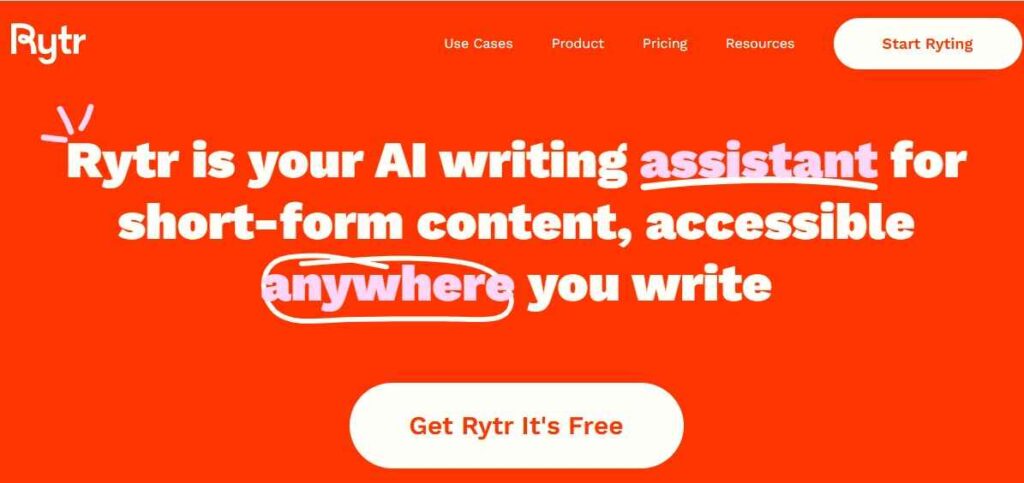
The final tool in this category is Rytr, which is budget-friendly and effective for creating short-form content such as product descriptions, emails, and captions. It supports content generation in over 30 languages. Additionally, for quality control, it includes a Copyscape-powered plagiarism checker, which helps ensure originality before publication.
Key Features
- 40+ use cases and 30+ languages for everyday copy tasks.
- Plagiarism checks (powered by Copyscape) and rephrasing tools.
- Browser extension and simple, fast UI.
Best For: Solo creators and small teams needing quick, low-cost short-form content.
Pricing: Free tier; Unlimited $9/mo ($7.50/mo annual); Premium $29/mo ($24.16/mo annual).
3. Hosting Platforms
The third category of the best digital marketing tools is hosting platforms. Hosting platforms are services that operate Internet-connected servers and provide related infrastructure, allowing your website or app’s files to be stored, secured, and delivered to visitors online. In short, they make your site accessible on the web and help keep it fast and reliable. Some of our top recommended hosting platforms include Bluehost, HostGator, TMD Hosting, and Hostinger.
Bluehost
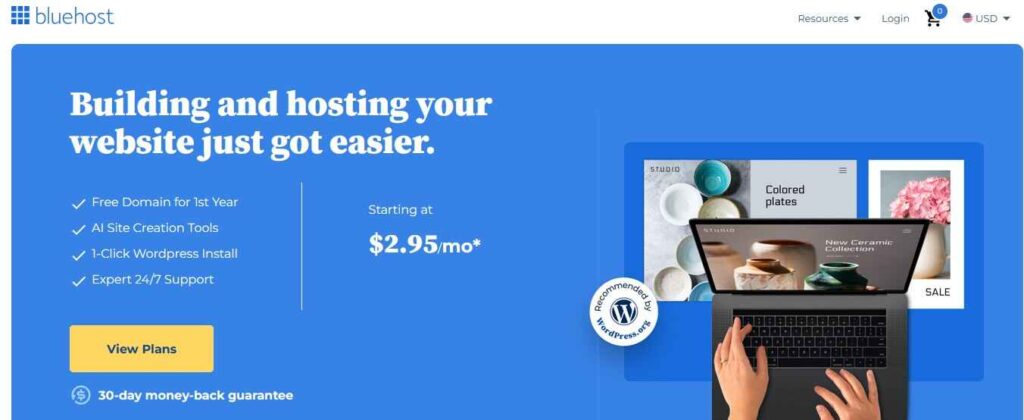
Bluehost is our top recommended hosting platform for digital marketers as it simplifies launching a WordPress site. You get a guided setup with pre-installed WordPress, a free domain for the first year, SSL security, and a built-in CDN for fast page loading. Additionally, it offers managed WordPress updates, weekly backups, and security features like malware scanning and DDoS protection. Some of its key features include:
Key Features
- 1-click WordPress with guided setup and automatic updates.
- Free domain (year 1) and free SSL across plans.
- 24/7 security monitoring and firewall; DDoS mitigation.
Best For: Beginners and bloggers seeking a straightforward, bundled WordPress launch with security basics covered.
Pricing: Promotional entry pricing is typically around $3–$ 5 per month, with higher renewal rates over time.
To check out more Bluehost Features, please read our Review of Bluehost.
HostGator
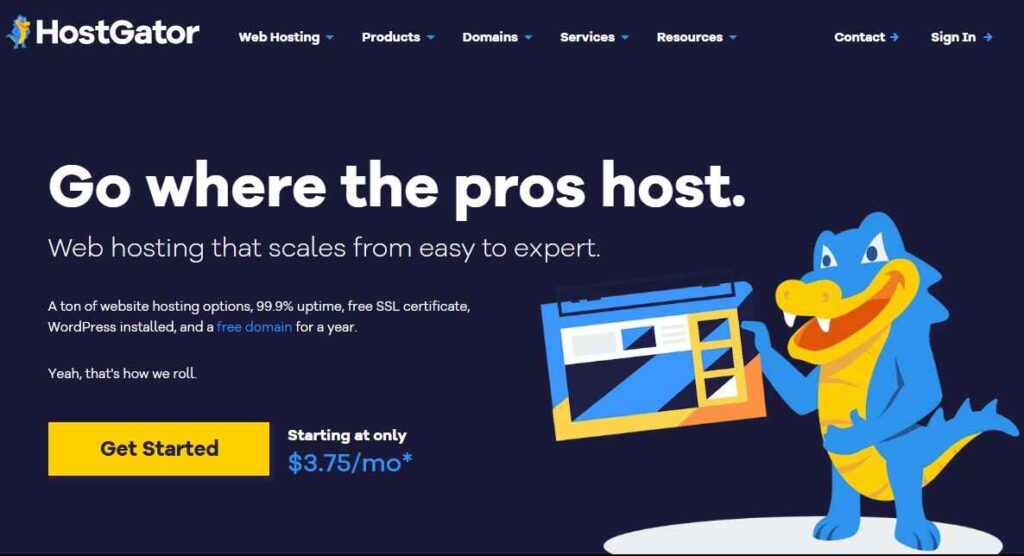
The second hosting platform we recommend is HostGator. HostGator offers a straightforward and budget-friendly solution for quickly getting your website online. With features like easy setup, one-click WordPress installation, free SSL certificates, 24/7 customer support, and a 99.9% uptime guarantee, it’s designed for hassle-free hosting. Fun fact: HostGator and Bluehost are both owned by the same parent Company.
Key Features
- 99.9% uptime guarantee and 24/7 support.
- Free SSL and easy WordPress install on shared plans.
- 45-day money-back guarantee on most plans.
Best For: Cost-conscious sites that want a straightforward start, plus uptime and support guarantees.
Pricing: The Hatchling plan is often around $3.75/mo (with a first invoice discount).
To check out more HostGator Features, please read our Review of HostGator.
TMD Hosting
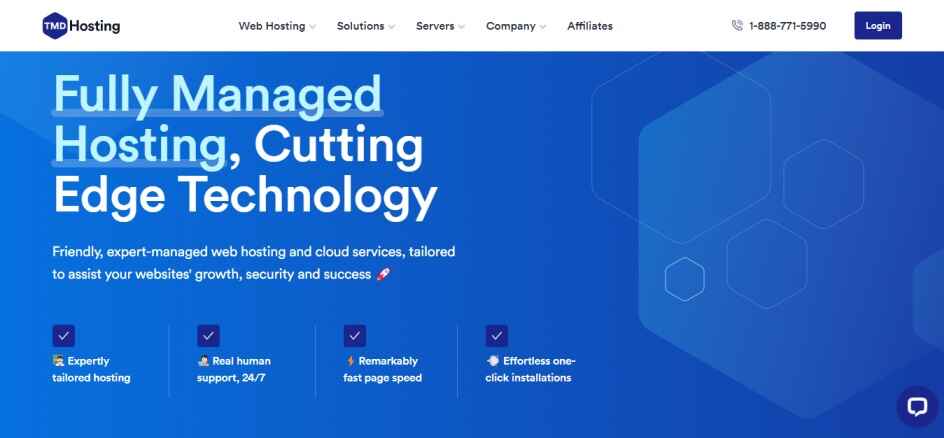
TMD Hosting is another top-notch hosting platform, focusing on speed with a LiteSpeed web server, all-SSD RAID-10 storage, and LSCache with Memcached/OPCache for high performance. They offer one-click WordPress installation with expert setup or transfer, plus 24/7 premium support for a seamless launch and fast-loading pages. With global data centers in the US, Europe, and the Asia-Pacific region, they ensure low latency. TMD Hosting also provides an uptime guarantee, free SSL certificates, and daily backups. Some of its key Features include
Key Features
- LiteSpeed web server, SSD RAID-10, and built-in caching.
- Free domain (select plans), free installation and transfer, and cPanel toolkit.
- 24/7/365 premium support and managed WordPress environment.
- Global footprint with Data centers in Multiple areas to reduce latency.
Best for: WordPress users seeking budget-friendly pricing, fast hosting, and hands-on support.
Pricing: WordPress hosting from $2.95/mo.
To learn more about TMD Hosting’s Features, please read our Review of TMD Hosting.
Hostinger
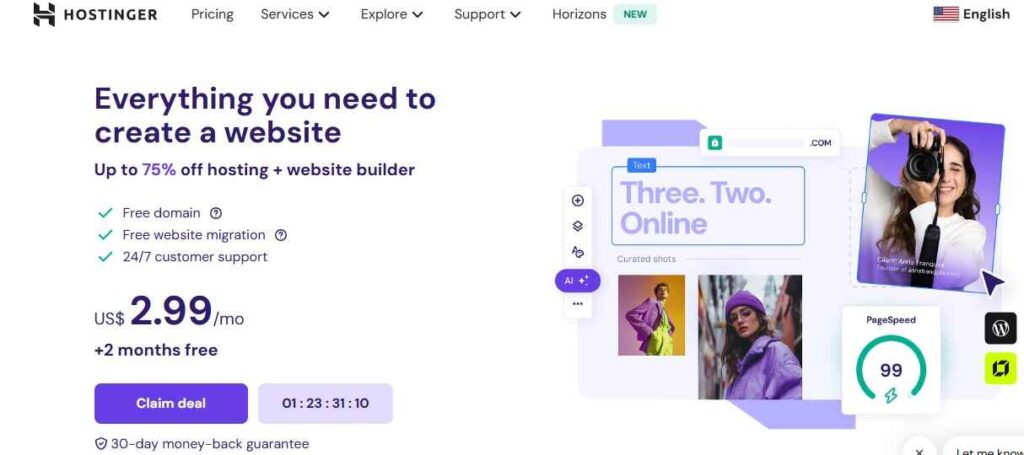
The final hosting platform in this category is Hostinger. Hostinger is renowned for its affordable, beginner-friendly hosting that is easy to set up and surprisingly powerful for the price. It features a user-friendly hPanel dashboard, includes free domain and SSL bundles, and offers solid performance. It is often recognized as a top-value option and has been noted by TechRadar as a leading alternative to Squarespace, due to its competitive pricing and flexibility.
Key Features
- Managed WordPress plans with free SSL and domain (year 1) on many tiers.
- Easy panel, staging, and performance-minded stack; 24/7 support.
- Budget-friendly long-term promos; clear plan comparison and upgrades.
Best For: New sites and growing blogs seeking maximum value and a simple control panel without sacrificing essentials.
Pricing: WordPress/Website plans from $2.99/mo (promo; renewals are higher).
4. Keyword Research Tools
The fourth category of the best digital marketing tools is Keyword research tools. These tools show you what people are actually searching for, where opportunities lie, and how hard it might be to rank. In 2025, these tools will be more essential than ever as Voice search now accounts for huge daily query volume, meaning people ask full sentences instead of fragments, according to the latest keyword research trends. Additionally, AI-driven search engines are prompting marketers to optimize not only for Google SERPs but also to appear in LLM answers and AI overviews. In this regard, these tools have become more crucial than ever.
Semrush
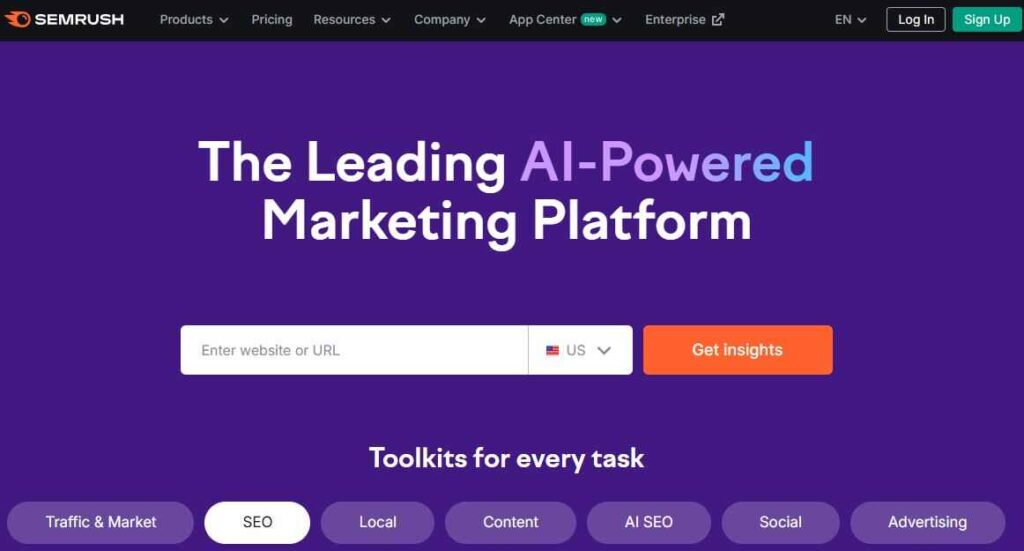
The first keyword tool we recommend is Semrush. Semrush is a full-suite SEO platform that combines keyword research, competitive intelligence, content audits, backlink analysis, and more, making it a go-to tool for teams that want one platform to manage their entire SEO strategy.
Some of its Key Features are:
- Keyword Magic Tool with thousands of keyword ideas and filters
- Domain & competitor analysis (top pages, gaps, traffic sources)
- Site Audit for technical SEO issues and health checks
- Content Toolkit, social tools, and reporting dashboards
Best For: Growing blogs, agencies, and marketers who want end-to-end keyword, content, and SEO insights all in one place.
Pricing: Pro plan starts at $139.95/month, Guru at $249.95/month, Business at $499.95/month (discounts apply on annual billing)
Ahrefs
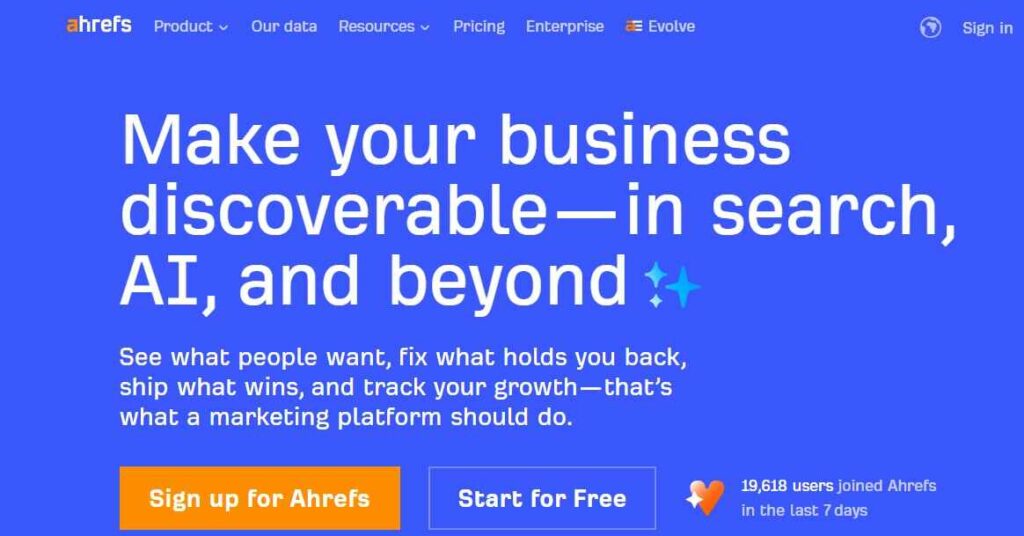
The second keyword research tool is Ahrefs. Ahrefs is not only legendary for its backlink intelligence but also excels in keyword research, providing insights into organic traffic potential, click estimates, and ranking difficulties.
Key Features:
- Keywords Explorer offers global and local search volume data along with Keyword Difficulty metrics.
- Site Explorer provides insights into backlink profiles, top-performing pages, and organic competitor metrics.
- Content Explorer helps identify high-engagement content within your niche.
- Additional tools: Includes rank tracking, content gap analysis, and link intersection tools.
Best For: Content strategists and SEO analysts who want deep data around content performance and backlink opportunities.
Pricing: Ahrefs offers a tiered pricing model, with plans starting at $29/month (Starter) for lighter usage. Their core plans include Lite ($129/mo), Standard ($249/mo), Advanced ($499/mo), and Enterprise ($1,499+/mo)
Ubersuggest
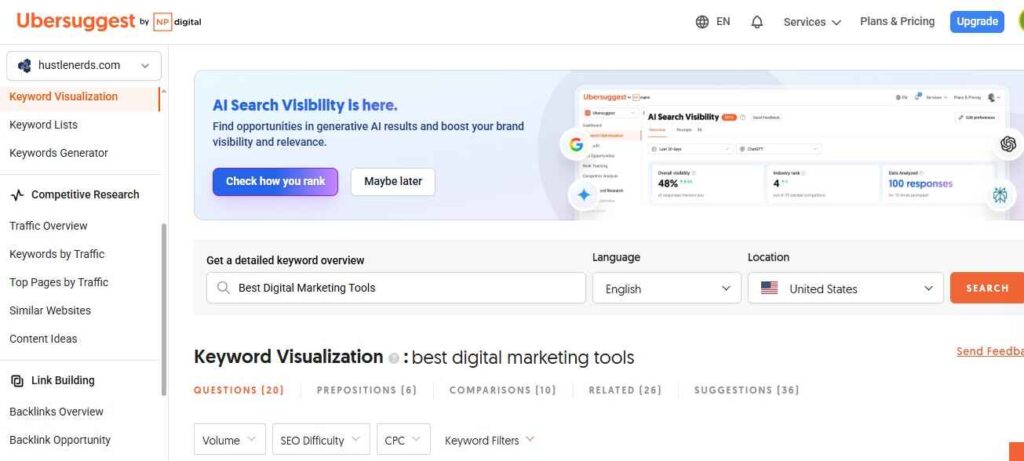
Another excellent Keyword tool is Ubersuggest, a powerful, budget-friendly SEO utility tool built by Neil Patel. It helps you uncover keyword ideas, analyze competitor strategies, and audit your website without drowning you in overly complex data.
Key Features:
- Keyword suggestions, including search volume, trend analysis, and difficulty levels
- Insights on competitor domains and exploration of content gaps
- Comprehensive site audit and health reports
- AI-powered keyword tools for new and fresh ideas
Best For: Small websites, solo creators, or individuals just getting started who seek reliable keyword data at an affordable price.
Pricing: Free access is available with certain limitations; paid plans start at approximately $29 per month for increased usage.
Google Keyword Planner
The last keyword tool is Google Keyword Planner, a free tool within Google Ads that enables users to explore keyword search volumes, seasonal trends, and the associated advertising costs for specific terms. By providing insights into how frequently particular keywords are searched, as well as how their popularity fluctuates over different times of the year.
Key Features:
- Search volume estimates and keyword suggestions
- Forecasts and keywords trend data
- Filters based on location, language, and date range
- Metrics related to bids and competition for advertisers.
- Best For: Marketers seeking basic keyword validation at no extra cost will find this particularly useful, especially in the early stages.
- Pricing: Free to use (with a Google Ads account, even if you don’t run ads)
5. Grammar Checking Tools
The fifth category of the best digital marketing tools is grammar-checking tools. As digital marketing experts, we understand that proper grammar is crucial for enhancing our content. These tools play a vital role in achieving this goal, as studies have shown that poor grammar can undermine trust, with even minor typos leading readers to question our professionalism and authenticity. In this sense, these tools act as our personal editors, helping us identify tone inconsistencies, awkward phrasing, and subtle errors before they reach our audience. By ensuring our content is polished and precise, we can maintain our credibility and engage our readers more effectively. Some of the tools we have used include.
Grammarly
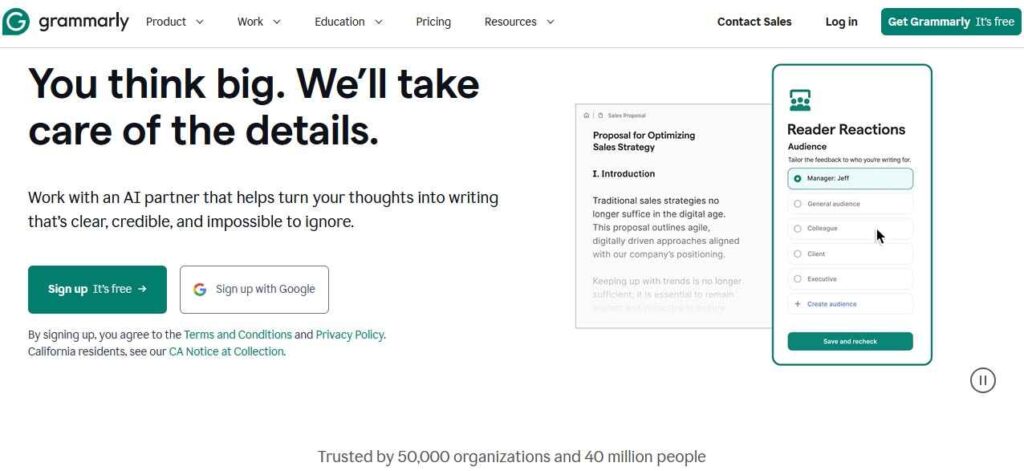
One of the most popular grammar-checking tools we all know is Grammarly. Grammarly is a comprehensive writing assistant that checks for spelling, grammar, clarity, tone, and even plagiarism. It works across various platforms, including browsers, Microsoft Word, Google Docs, and email, providing real-time suggestions to help you write smoothly.
Some of its Key Features:
- Checks for grammar, spelling, and punctuation with context awareness
- Tone detection and suggestions for clarity
- Plagiarism detection (available in Premium version)
- Integration with browsers and applications, e.g, Docs, Word, etc.)
- Best For: Anyone seeking confidence in their writing and looking for feedback to achieve “publish-ready” content.
- Pricing: A free tier is available; Pro/Premium subscriptions start at $12 per month when billed annually or $30 per month for monthly billing.
Hemingway Editor
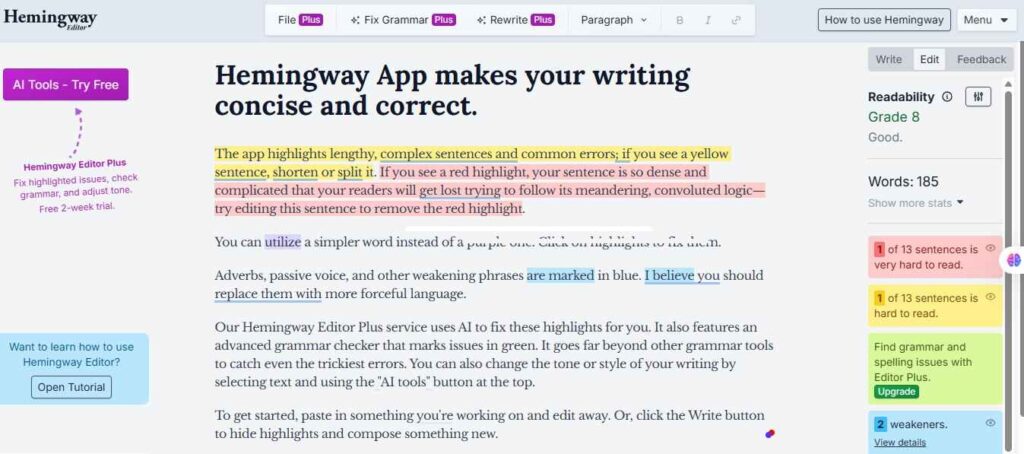
Another excellent Grammar tool is Hemingway Editor, a powerful tool designed to enhance the clarity and readability of your writing. Named after the legendary writer Ernest Hemingway, it helps you simplify complex sentences, eliminate passive voice, and identify adverbs that may weaken your prose. The app provides a user-friendly interface that offers both online and desktop versions, making it accessible for various writing needs.
Some of its Key Features:
- Highlights complex sentences and suggests simplifications
- Identifies passive voice and adverb usage
- Provides a readability score to gauge audience comprehension
- Offers an online editor and a desktop application for offline use
Best For: Writers, bloggers, and professionals seeking to improve the clarity and impact of their writing.
Pricing: A free online version is available; the desktop version is priced at a one-time fee of $19.99.
6. Image Editing Tools
The sixth category of the best digital marketing tools we are focusing on is image editing tools. In today’s digital marketing landscape, the power of compelling visuals is undeniable. Captivating images can grab audience attention and convey messages with impact, making them a vital component of any successful strategy. Two of the best image editing tools we will look at include Canva and Snappa.
Canva
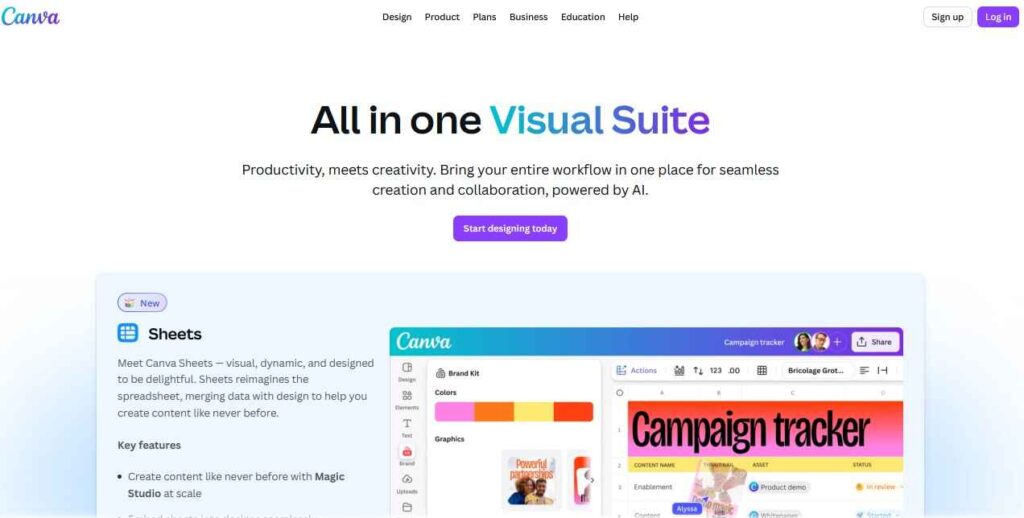
Canva is a design toolbox tailored for non-designers, featuring a user-friendly drag-and-drop interface, a wide variety of templates, and AI-powered features that feel almost magical. You can remove backgrounds with a single click, adjust layouts, animate elements, and experiment with color palettes, all without needing to learn Photoshop. Additionally, Canva offers AI capabilities, including image generation, copy suggestions, and multilingual translation.
Key Features
- Templates for social media, advertisements, infographics, and more
- Background remover, AI image generation, and instant translation
- Brand Kit: store logos, fonts, and color palettes for consistency
- Real-time collaboration and sharing
Best For: Anyone looking to create professional visuals, such as social media posts, blog images, and banners, quickly and without hassle.
Pricing: Free plan, Canva Pro for $12.99/month if billed monthly, or $119.99/year if billed annually, and Canva for Teams: Starting at $14.99/month for up to 5 users (for billing per user)
Snappa
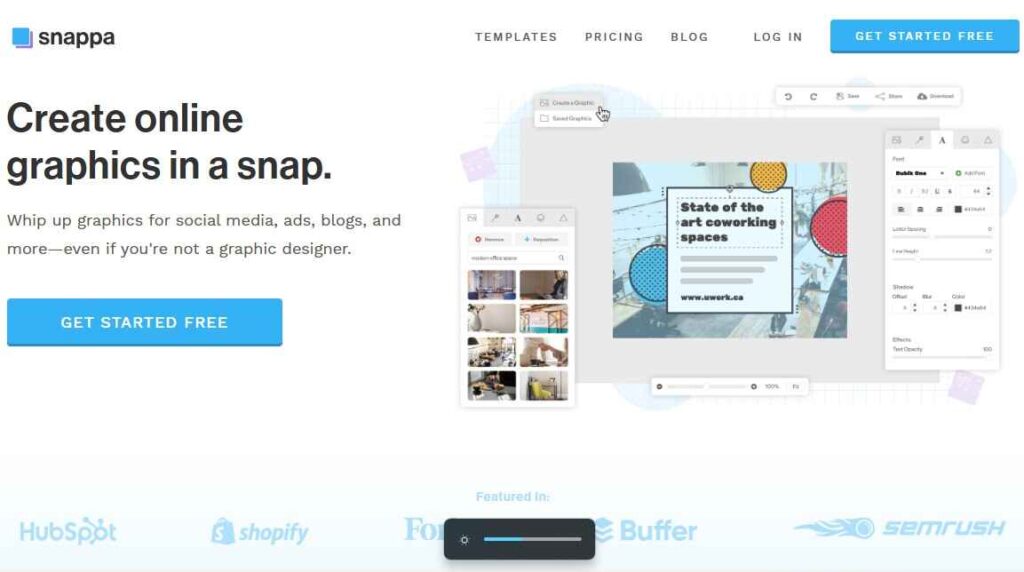
Snappa is another excellent image editing tool, similar to Canva, designed for marketers with limited Photoshop skills. It offers over 6,000 plug-and-play templates and more than 5 million HD photos and graphics that you can use for various editorial purposes. With such a wide range of templates, graphics, and customization options, Snappa makes design accessible to everyone, regardless of their design experience. Furthermore, the intuitive drag-and-drop interface enables users to add and customize images, text, and graphics easily.
Key Features
- Ready-made templates & preset sizes for every major platform (no guessing dimensions).
- 5,000,000+ royalty-free photos & graphics included—no separate stock hunt.
- One-click background remover (unlimited on paid plans) to isolate products and people fast.
- Drag-and-drop editor + instant resize to repurpose designs in seconds.
- Team folders & collaboration on the Team plan for shared editing and assets.
- Social media integrations (incl. Buffer) to streamline posting from your workflow.
Best For: Ideal for creators and small teams seeking quick, professional-quality social media graphics, blog headers, advertisements, and thumbnails.
Pricing: Free (3 downloads/mo). Pro: $15/mo or $10/mo billed annually (unlimited downloads, background remover, custom fonts, Buffer/social integrations). Team: $30/mo or $20/mo billed annually (up to 5 users, team folders).
7. Social Media Management Tools
The seventh category of the best digital marketing tools is social media management tools. These tools streamline your social media workflow by allowing you to plan and schedule posts, engage with comments and direct messages, monitor brand mentions, and generate performance reports, all from a single dashboard.
Recent research shows that there are 5.24 billion active social media users worldwide. For marketers, this number represents a significant opportunity to drive traffic and achieve digital marketing success. Effectively managing this traffic is where social media management tools are essential. Some of the top tools under this category include:
Hootsuite
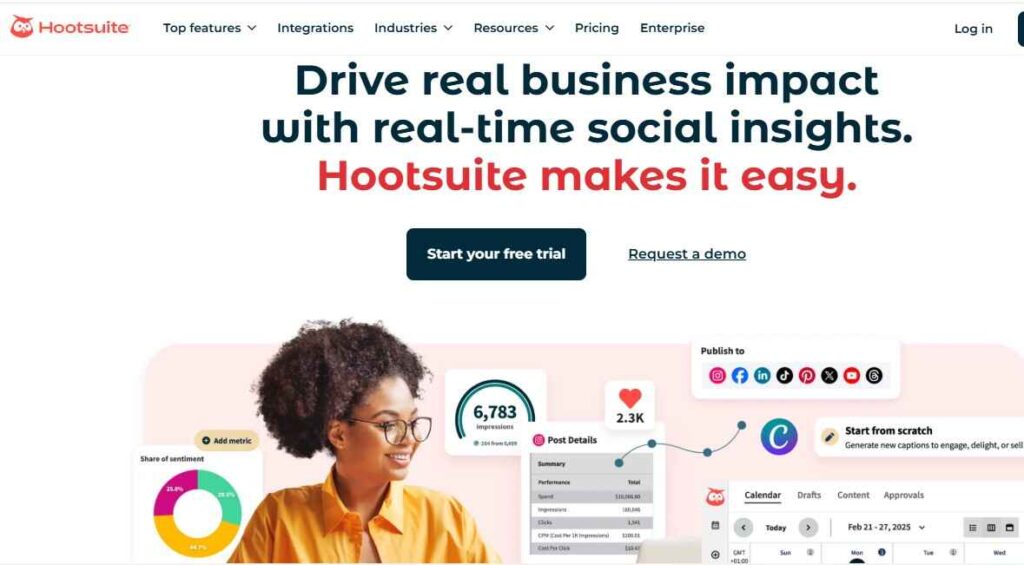
Hootsuite is among the top social media management tools. This comprehensive platform offers a range of features, including planning and scheduling engagement through a unified inbox, social listening, and analytics and reporting, all within a single dashboard. Recently, it has added built-in AI assistance to help users write captions, determine optimal posting times, and uncover valuable insights. Hootsuite supports all major networks (Facebook, Instagram, X, LinkedIn, TikTok, YouTube, Threads, WhatsApp, Pinterest) and connects to over 100 third-party apps (e.g., Google Business Profile, Salesforce, Monday.com), allowing teams to manage their social media efforts seamlessly without the need to switch between different tabs. Some of its key features include,
Key Features
- Scheduling & calendar at scale (unlimited scheduling; multi-account management).
- Unified engagement (Smart Inbox, saved replies, assignments, automations) to keep response times tight.
- Listening & sentiment to track brand/competitor mentions and trends.
- Deep integrations (100+ apps; major networks) that let social plug into the wider marketing stack.
- AI-assisted workflows (caption/image help, strategy tips, best-time recommendations) to speed content and decisions.
Best For: Mid-size teams and agencies that need robust scheduling, approvals, and reporting in one place.
Pricing: Paid plans start at $99/month (no free plan). Higher tiers include team features; Enterprise is customized to meet your specific needs.
Sendible
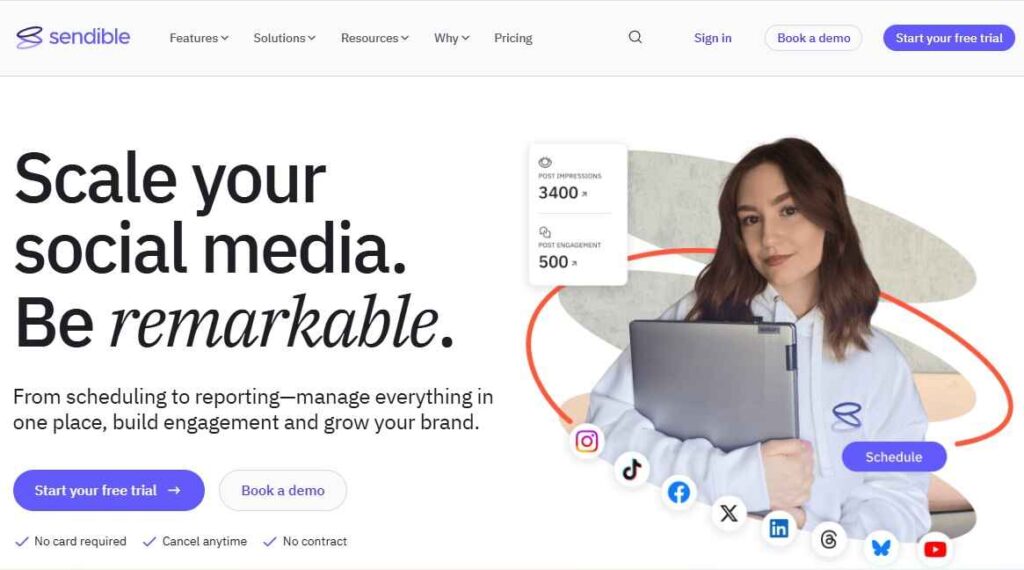
The second amazing Social media management tool is Sendible. Sendible is a powerful social media management tool designed to simplify social management for businesses of all sizes. Its user-friendly interface enables you to manage multiple social accounts from a single dashboard, making it easy to schedule posts across platforms such as Facebook, Twitter, and Instagram. With comprehensive analytics and reporting features, Sendible helps you track engagement and measure the effectiveness of your campaigns, enabling you to make data-driven decisions. Additionally, its customizable content calendar, social listening tools, and team collaboration features make it an excellent choice for agencies and businesses looking to enhance their social media strategies. Some of its key features include:
Key Features
- Unified calendar & intelligent scheduling: Manage multiple profiles from one dashboard with a visual calendar and platform-specific editing.
- Priority Inbox (engagement hub): View and prioritize comments/DMs from all profiles in a single queue and monitor sentiment.
- Bulk scheduling & CSV import: Upload and schedule hundreds of posts at once, and streamline evergreen campaigns.
- Content Library (with bulk image email-in): Save, tag, and reuse assets; contributors can email up to 15 images directly into the library.
- UTM tracking & ROI proof: Add custom UTM parameters in the compose box, create templates, and connect with Google Analytics for reporting.
- Analytics & campaign reporting: Measure performance, group posts by campaigns, and create client-ready reports.
Best For: Agencies and in-house teams juggling multiple brands who need sensible user/profile ratios.
Pricing: Plans from $29/month (Creator), with higher tiers for more users/profiles; 14-day free trial available.
Sprout Social
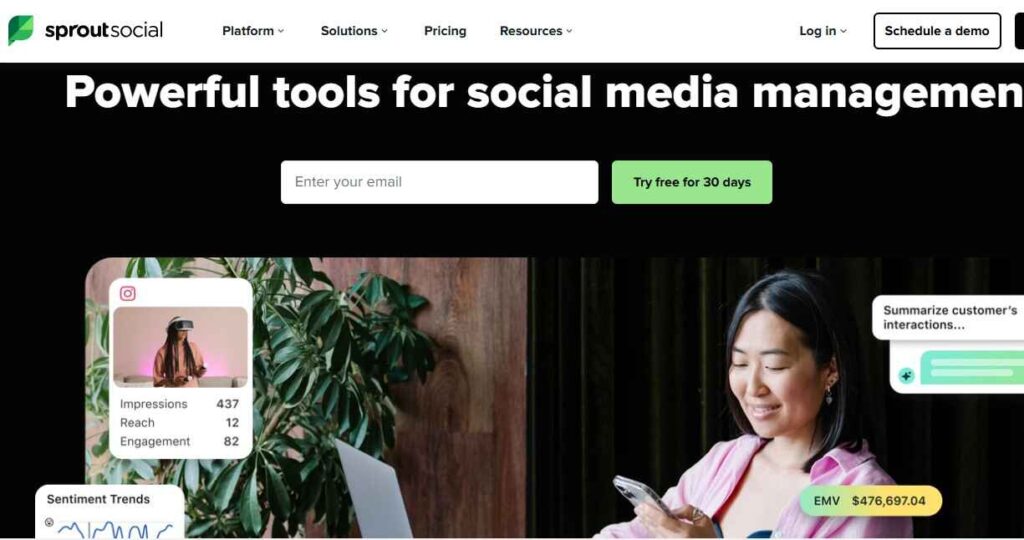
The third excellent tool in this category is Sprout Social. This all-in-one social media management platform empowers businesses and brands to connect, engage, and effectively grow their online presence. With a user-friendly interface and a suite of robust features, Sprout Social is designed to streamline your social media strategy, making it easier than ever to manage multiple accounts from one centralized dashboard. One of the standout features of Sprout Social is its Unified Calendar and Smart Scheduling. This tool enables you to effortlessly manage multiple profiles, providing a visual overview of your posting schedule. Some of its key features include:
Key Features
- Robust analytics and reporting capabilities
- Audience engagement and customer support features
- Scheduling and publishing for cross-platform posts
- Social listening tools to monitor brand mentions and trends
- Team collaboration tools for improved workflow
- Integration with various social media platforms and third-party apps
- Customized content calendar for organized planning
- Advanced monitoring and tracking of social media performance
- Competitor analysis to benchmark against other brands
Best For: Brands that need enterprise reporting, governance, and service-level support.
Pricing: Starts at $199 per seat/month billed annually (Standard); higher tiers and add-ons scale to enterprise.
8. Landing Page Builders
The eighth category of the best digital marketing tools is Landing page builders. These are no-code tools for spinning up single-purpose pages, designed to capture leads, sell a product, or validate an offer without distractions. Unlike a full website, a landing page has one job and one clear CTA, which is why they consistently convert better than generic pages. Recent Unbounce benchmarks indicate a median landing-page conversion rate of ~6.6% across industries, with top performers achieving rates of 11% or higher, demonstrating that focused pages can have a significant impact on conversion rates. Two of the best Landing page builders are:
OptimizePress
The First landing page builder we recommend is OptimizePress, a conversion-focused WordPress plugin suite for creating landing pages, sales pages, and membership sites directly inside WP. It features a drag-and-drop OptimizeBuilder and an extensive library of pre-built, conversion-optimized templates readily available for use. It’s particularly popular among marketers and entrepreneurs because it is budget-friendly and offers a user-friendly interface that allows users to build high-converting pages without needing coding skills.
OptimizePress Key Features
- Visual page builder (OptimizeBuilder): Drag-and-drop editor with a large template library to launch pages fast in WordPress.
- Funnel builder (OptimizeFunnels): Map multi-step journeys (opt-in → sales → upsell/downsell) on a visual canvas.
- 1-click upsells/downsells & order bumps: Increase AOV with post-purchase offers and embedded bumps.
- Built-in checkouts (OptimizeCheckouts): Take payments on-site with Stripe/PayPal, subscriptions, and coupons.
- A/B testing (“Experiments” ): Run split tests on page variants to improve conversions.
- Integrations – Connect 30–60+ popular tools for email, CRM, webinars, analytics, and payments (e.g., FluentCRM, AWeber, GetResponse).
Best for: WordPress marketers who want everything in one place, from building landing pages, sales pages, complete funnels, and on-site checkouts without a separate SaaS
Pricing: Plans start at $99/year (Renews at $129) for the Starter, $149/year for the Plus subscription (Renews at $199), and the Ultimate yearly subscription at $179/year (+ tax), which renews at $249.
ClickFunnels
The second excellent landing page builder or funnel builder is ClickFunnels, a popular online sales funnel builder designed to help businesses market, sell, and deliver their products or services. It allows users to easily create and optimize sales funnels, which are sequences of steps that guide potential customers toward making a purchase or taking a desired action.

Key Features
- Drag-and-drop builder for creating landing pages and funnels without coding.
- Revenue boosters, including order bumps and upsells to increase AOV without extra plugins.
- All-in-one platform to manage pages, funnels, courses, and products in one place.
- Analytics in ClickFunnels have real-time dashboards that help identify performance trends quickly.
- Lightweight CRM to organize contacts and sales conversations within the same platform.
- E-commerce ready. Sell physical and digital products with customizable checkouts.
- Integrations with 100+ tools and major social/ad platforms.
Best for: Entrepreneurs, small business owners, and marketers who want to create and optimize sales funnels without needing extensive technical skills.
Clickfunnels Pricing
- Launch: $81/mo (or $970/yr)
- Scale: $164/mo (or $1,970/yr) — most popular
- Optimize: $248/mo (or $2,970/yr)
- Dominate: $5,997/yr
9. Email Marketing Tools
The ninth category of the best digital marketing tools is email marketing tools. Email marketing tools are designed to help businesses create, manage, and analyze their email marketing campaigns. They automate many processes involved in sending bulk emails, segmenting lists, personalizing content, and tracking engagement metrics. These tools enable marketers to effectively communicate with their audience, nurture leads, and drive conversions. According to research by Demand Sage, email marketing delivers an ROI of $36 to $40 for every $1 spent. This should tell you why email marketing is the most effective marketing method. Some of the top tools are:
Brevo
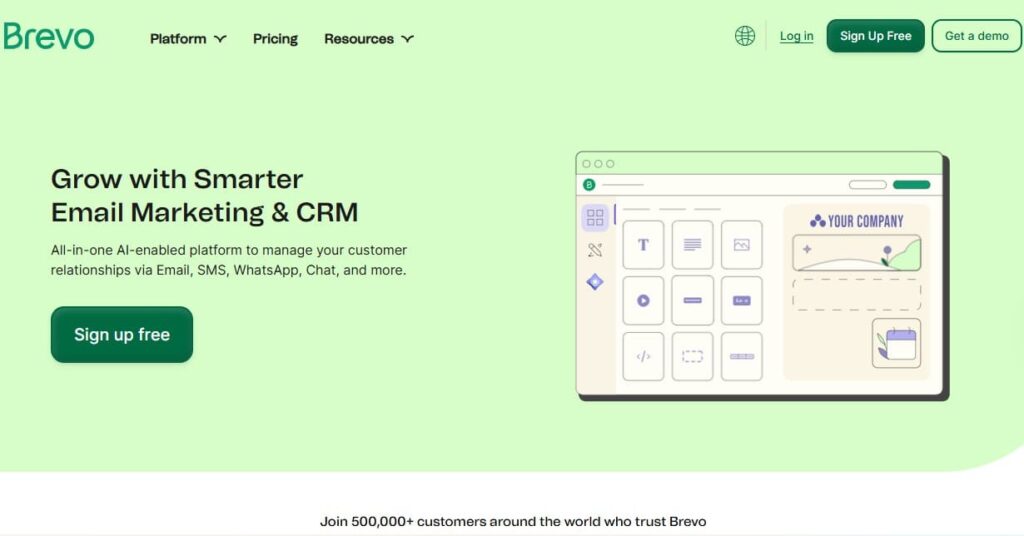
The first email marketing tool in this category is Brevo, formerly known as Sendinblue, an all-in-one platform for email marketing and customer relationship management (CRM). It allows you to communicate with customers across multiple channels, including email, SMS, WhatsApp, and chat, while also providing automation features and lightweight sales tools. Some of its key features include:
Key Features
- Drag-and-drop email builder, templates, and AI content assist; 300 free emails/day on the free tier.
- Marketing automation workflows, segmentation, and transactional emails.
- Multichannel options (SMS, WhatsApp, chat) and a simple CRM to keep context in one place.
- GDPR/CCPA-ready forms, consent records, and data request tools; redundant backups across multiple regions.
- Build hosted landing pages and embeddable forms to capture leads and feed them straight into your lists/automations.
Best For: Small to mid-size teams that want email + SMS under one roof with sensible pricing.
Pricing: A free plan is available; paid email plans start at $9–$18/month, depending on the send volume (e.g., Business at $18/mo for 5k emails).
ZOHO
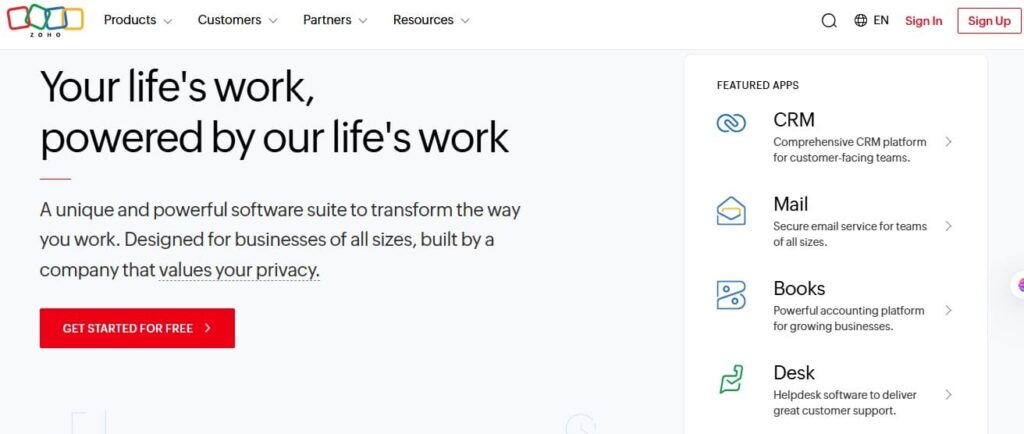
The next email marketing tool is Zoho, which is a comprehensive suite of online productivity tools and software applications designed to meet the needs of businesses of all sizes. Zoho includes an email marketing software that allows companies to create, send, and track email campaigns effectively. As part of the Zoho suite, it offers a user-friendly interface and a range of features to help marketers engage with their audience and drive conversions. Some of its key features are:
Key Features
- List & template management, journeys/autoresponders, A/B testing, and segmentation.
- Integrates tightly with Zoho CRM and the broader Zoho suite for cleaner data handoffs.
- Flexible billing (monthly, annual, or pay-as-you-go credits) to match send patterns.
- Live chat & unified inbox to manage chat, email, and social DMs in one place.
- Forms & landing capture to funnel new subscribers straight into lists and automations.
Best for: Businesses already using Zoho (or those seeking a value-first tool) that require dependable email and automations.
Pricing: Forever Free: up to 2,000 contacts and 6,000 emails/month (feature-limited).
Standard: from $3/ 3/month (billed annually).
Professional: from $4.50/month (billed annually)
Mailchimp
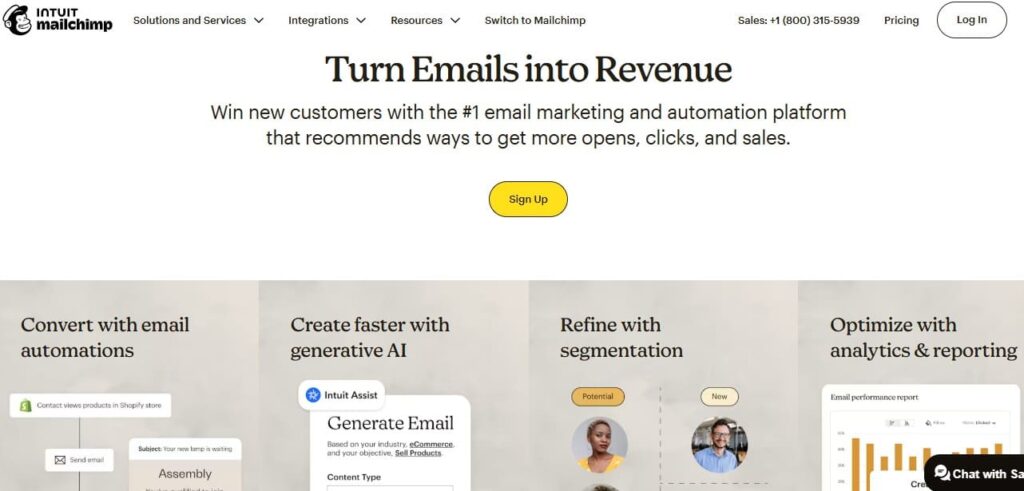
The third email marketing tool is Mailchimp, a widely used platform that helps businesses and organizations manage their email campaigns more effectively. It offers a range of tools for designing, sending, and analyzing email marketing campaigns, simplifying the process of connecting with customers and engaging with audiences. Additionally, Mailchimp holds the largest market share in the email marketing industry, with over 55.60% market share and more than 871,040 companies utilizing the software. Some of its key features are:
Key Features
- Email campaigns & automations: design newsletters, drip sequences, abandoned-cart flows, and more; test and optimize performance.
- Audience management & personalization: segment lists, use predictive/behavioral targeting, and track results with benchmarks.
- Multichannel add-ons: spin up landing pages and run SMS alongside email inside the same platform.
- Advanced segmentation & personalization using behavior, purchase history, site/app activity, and 50+ triggers.
- A/B & multivariate testing for subject lines and content to improve opens, clicks, and conversions.
Best For: Growing businesses that want a well-known platform with AI-assisted workflows and wide integrations.
Pricing: Free plan— $0: up to 500 contacts and 1,000 emails/month. Essentials plan— from $13/mo for 500 contacts; store up to 50,000 contacts. Standard plan — from $20/mo for 500 contacts; store up to 100,000 contacts.
10. Link Cloaking Tools (WordPress Plugins)
The last category of the best digital marketing tools we are reviewing is Link cloaking tools. Link cloaking tools are software solutions designed to manage, shorten, and disguise affiliate links or long URLs. They offer a user-friendly method for creating clean, branded links that redirect users to specific destinations, often for affiliate marketing purposes. By cloaking links, marketers can enhance the aesthetics of URLs, protect their commissions, and improve click-through rates, all while ensuring a safer user experience. Some of the best WordPress link cloaking tools are:
ThirstyAffiliates
The first link cloaking tool is ThirstyAffiliates, a WordPress plugin designed for affiliate marketers. The tool can help you manage and cloak affiliate links, making them easier to share and track. Additionally, it enables you to categorize links, insert them easily into posts, and provides analytics to track their performance. By using ThirstyAffiliates, marketers can clean up long and unattractive affiliate links, making them more user-friendly and enhancing their overall affiliate marketing strategy.

Key Features
- Branded shortlinks with fast .htaccess redirects and click tracking.
- Auto-link keywords, GA click events, and geo-targeted destinations.
- Link health tools (404 checker, proactive fixer) and CSV import/export.
- Smart Uncloaking option for Amazon compliance.
Best For: WordPress sites that want end-to-end affiliate link management (clean URLs, tracking, health checks) without leaving WP.
Pricing (USD): Annual plans are commonly offered at around $99.60 for basic, $149.60 for Plus, and $199.60 for Advanced during promos (check the site for current tiers & renewals).
Pretty Links
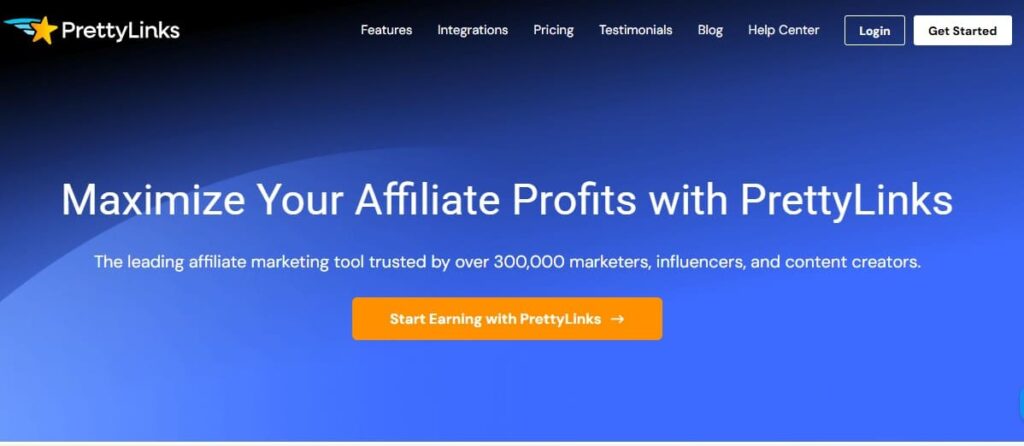
The second link cloaking tool is PrettyLinks, a WordPress link management plugin that allows you to convert long affiliate URLs into short, branded links on your domain. It simplifies the process of creating clean, branded links by allowing you to shorten long URLs into more readable formats, making them easier to share, especially on social media or in emails. Some of its Key Features include:
Key Features
- Branded shortlinks, cloaking, Smart Redirects, and link health tools.
- Auto-Link Keyword Replacement to monetize product mentions automatically.
- Product Displays, QR code generator, and optional PrettyPay checkout links.
Best for: Marketers who want a mature, feature-rich link cloaker/shortener with automation (auto-linking), testing, and polished reporting built into WordPress.
Pricing (USD): Promo pricing is often around $99.60 (Beginner), $149.60 (Marketer), $199.60 (Super Affiliate) per year; standard list prices are higher.
Conclusion
As we enter 2026, the digital marketing landscape continues to evolve at an unprecedented pace. The tools you choose to incorporate into your strategy can dramatically influence your performance, efficiency, and overall success. From the power of SEO tools like Rank Math and Google Search Console to robust platforms for content creation, social media management, and email marketing, there’s a wealth of resources available to propel your Business forward.
By leveraging the right digital marketing tools, you can not only streamline your processes but also effectively connect with your target audience. Remember, the goal is not just to navigate the digital sphere but to thrive within it. As you explore and adopt these tools, focus on aligning them with your unique marketing objectives, measuring their impact, and continuously optimizing your strategies.
Frequently Asked Questions
What are the best AI tools for digital marketing?
There are numerous AI tools that can be used for digital marketing. Some of the best we have used so far include ChatGPT and Jasper, which excel at creating engaging content for writing. For keyword research, Semrush, Ubersuggest, and Ahrefs offer detailed analyses. Canva and Snappa are great for enhancing visual content, while Hootsuite and Sprout Social help manage social media scheduling and analytics efficiently.
What are the best tools for seo in digital marketing
Several excellent tools for SEO in digital marketing can help improve your website’s visibility and performance. Some of the best include RankMath, Google Analytics, Google Search Console, Yoast SEO, and Surfer SEO.
5 best digital marketing tools
Digital marketing success hinges on the right tools. Some of the best options include Google Analytics and Google Search Console, which provide valuable insights into website traffic and user behavior. HubSpot offers an all-in-one platform for content management and inbound marketing. Additionally, SEMrush and RankMath are excellent choices for SEO and competitive research, while Mailchimp excels in email marketing. However, the best digital marketing tools for you depend on what you plan to use them for.
best digital marketing tools for small businesses
In today’s competitive market, small businesses need effective digital marketing tools to stand out. Some key tools include Google Analytics for tracking website performance, Mailchimp for email campaigns, and Hootsuite for social media management. Canva is also great for creating graphics, while SEMrush aids in SEO optimization. Buffer helps schedule posts and analyze engagement, and HubSpot offers CRM solutions. Utilizing these tools can enhance marketing strategies, broaden audience reach, and drive sales and customer loyalty for small businesses.
best digital marketing tools for beginners
When starting out in digital marketing as a beginner, it’s essential to have the right tools that can simplify tasks and improve your efficiency. For beginners, we recommend starting with free digital marketing tools before using paid tools. Some of the free tools we recommend include Google Analytics, Google Search Console, Canva, a free keyword tool such as Google Keyword Planner, and Mailchimp for Email Marketing.











Recent Comments